
Choosing the right client intake software can dramatically impact how many leads turn into paying clients. For bankruptcy law firms, the intake process is critical—and the right tool can automate data collection, improve client experience, and increase conversions.
In this guide, we compare Typeform, Jotform, and Formstack to help you choose the best option for your firm.
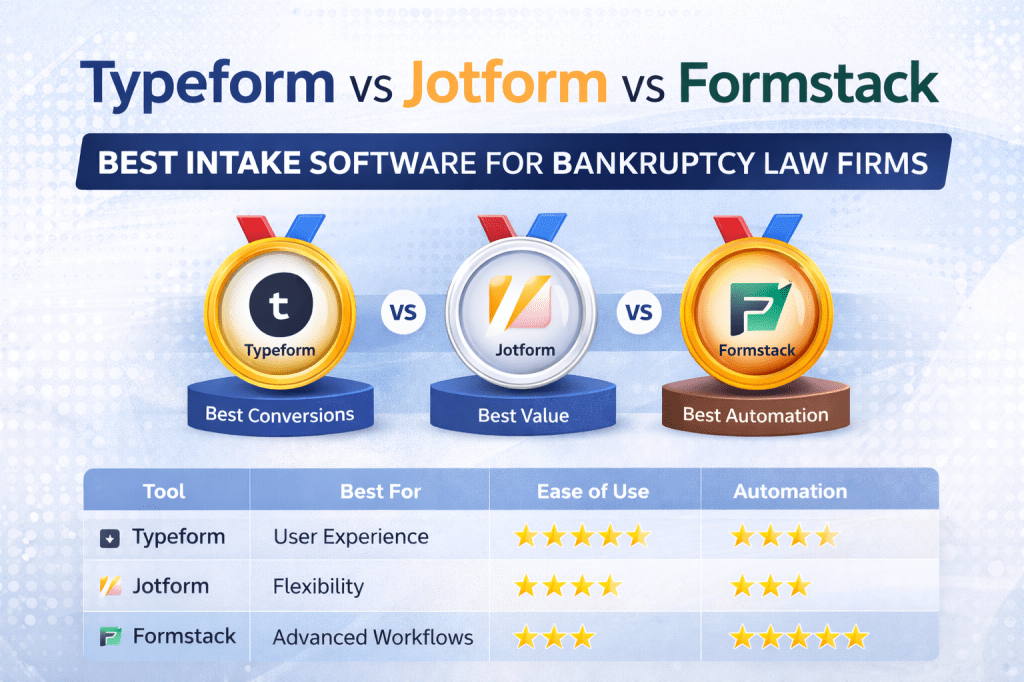
🏆 Quick Comparison
| Tool | Best For | Ease of Use | Automation | Price |
|---|---|---|---|---|
| Typeform | User experience & conversions | ⭐⭐⭐⭐⭐ | ⭐⭐ | $$$ |
| Jotform | Flexibility & affordability | ⭐⭐⭐⭐ | ⭐⭐⭐ | $ |
| Formstack | Advanced workflows | ⭐⭐⭐ | ⭐⭐⭐⭐⭐ | $$$ |
🥇 Typeform (Best for Conversions & Client Experience)
Typeform is known for its clean, conversational design that asks one question at a time. This makes forms feel more engaging and often leads to higher completion rates.
✅ Pros
- Excellent user experience
- High conversion rates
- Clean, modern design
- Easy to set up
- Strong integrations
❌ Cons
- Higher cost
- Limited advanced automation
- Not legal-specific
👉 Best For
Bankruptcy law firms that want more leads to complete intake forms
🥈 Jotform (Best for Flexibility & Value)
Jotform is one of the most flexible form builders available, with a large template library and strong customization options.
✅ Pros
- Affordable pricing
- Highly customizable
- Large template library
- Good integrations
- HIPAA-compliant options
❌ Cons
- Less polished user experience
- Interface can feel cluttered
- Limited built-in automation
👉 Best For
Firms that want maximum flexibility at a lower cost
🥉 Formstack (Best for Automation & Workflows)
Formstack is more than a form builder—it includes document automation and workflow tools for advanced setups.
✅ Pros
- Advanced automation
- Document generation
- Workflow automation
- Strong integrations
- Enterprise-level features
❌ Cons
- Higher cost
- More complex setup
- Overkill for small firms
👉 Best For
Firms that want fully automated intake + document workflows
⚖️ Which One Should You Choose?
- Choose Typeform if you want more clients to complete your intake forms
- Choose Jotform if you want flexibility and affordability
- Choose Formstack if you want advanced automation and document workflows
🚀 Recommended Setup for Bankruptcy Law Firms
For best results, combine tools:
- Intake Forms → Typeform or Jotform
- CRM → Clio, Filevine, or MyCase
- Automation → Zapier or Make
This creates a fully automated intake system.
🔄 Example Automated Intake Workflow
- Client fills out intake form
- Data is sent to CRM
- Confirmation email is sent
- Scheduling link is provided
- Follow-ups are automated
- Documents are requested
This entire process can run without manual work.
💡 Final Verdict
- Best for conversions: Typeform
- Best for value: Jotform
- Best for automation: Formstack
All three are excellent options, but the right choice depends on your firm’s goals and budget.

Leave a comment