
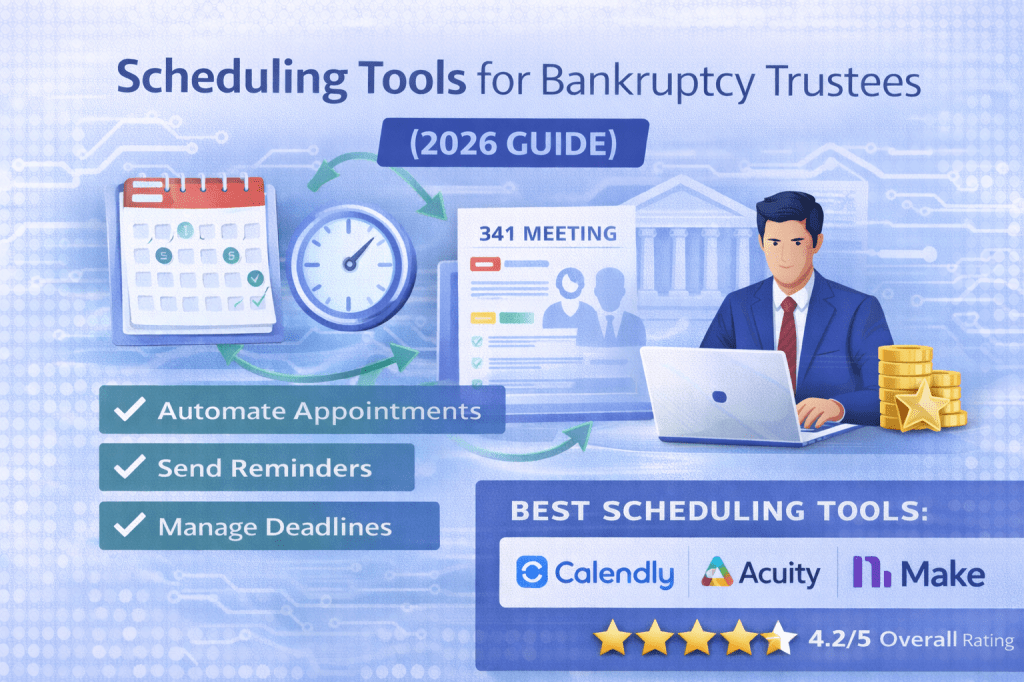
Scheduling is a critical part of a Chapter 7 trustee’s workflow. Between meetings, hearings, deadlines, and communications with attorneys and debtors, managing time efficiently can quickly become overwhelming.
Manual scheduling—emails, phone calls, and back-and-forth coordination—wastes valuable time and increases the risk of missed appointments.
In this guide, we’ll cover the best scheduling tools for bankruptcy trustees and how automation can simplify your workflow.
🧠 Why Scheduling Automation Matters for Trustees
Bankruptcy trustees regularly need to:
- Schedule 341 meetings
- Coordinate with attorneys
- Manage court appearances
- Handle client and stakeholder communication
- Track deadlines and reminders
Without automation, this often leads to:
- Time-consuming back-and-forth emails
- Scheduling conflicts
- Missed or delayed appointments
- Administrative overload
Scheduling tools solve these problems by automating the entire process.
🏆 Best Scheduling Tools for Bankruptcy Trustees
🥇 Calendly (Best Overall)
Calendly is one of the most widely used scheduling tools and is extremely easy to set up.
✅ Pros
- Simple and intuitive interface
- Automatically detects availability
- Eliminates back-and-forth emails
- Integrates with calendars and other tools
- Sends automatic reminders
❌ Cons
- Limited customization for complex workflows
- Advanced features require paid plans
👉 Best For
Trustees who want simple, reliable scheduling automation
🥈 Acuity Scheduling (Best for Customization)
Acuity Scheduling offers more flexibility and customization than most scheduling tools.
✅ Pros
- Custom intake forms
- Payment collection options
- Advanced scheduling rules
- Strong client experience
❌ Cons
- Slightly more complex setup
- Interface not as simple as Calendly
👉 Best For
Trustees who want more control over scheduling workflows
🥉 Microsoft Bookings (Best for Microsoft Users)
Microsoft Bookings is a great option for trustees already using Microsoft 365.
✅ Pros
- Integrates with Outlook
- Included in many Microsoft plans
- Easy to manage internal scheduling
- Works well for team coordination
❌ Cons
- Limited advanced features
- Less intuitive than competitors
👉 Best For
Trustees who want built-in scheduling within Microsoft tools
⚙️ Make (Best for Workflow Automation)
While not a scheduling tool itself, Make enhances scheduling by automating workflows.
✅ Pros
- Automates scheduling workflows
- Connects scheduling tools with other systems
- Sends reminders and notifications
- Syncs data across platforms
❌ Cons
- Learning curve
- Requires setup
👉 Best For
Trustees who want fully automated scheduling workflows
🔄 Example Automated Scheduling Workflow
Here’s how trustees can automate scheduling:
- Attorney or party requests a meeting
- Scheduling link is sent automatically
- User selects available time
- Meeting is added to calendar
- Confirmation email is sent
- Reminder notifications are triggered
- Follow-up tasks are created
This eliminates manual coordination entirely.
📊 Key Features to Look For
When choosing scheduling software, look for:
- Calendar integration (Google, Outlook)
- Automated reminders
- Custom availability settings
- Intake forms or questionnaires
- Integration with other tools
- Time zone handling
- Team scheduling capabilities
🚀 Benefits of Scheduling Automation
Scheduling tools help trustees:
- Save time
- Reduce administrative work
- Avoid scheduling conflicts
- Improve communication
- Increase efficiency
- Provide a better experience for attorneys and stakeholders
⚖️ Recommended Setup for Trustees
For best results, combine scheduling tools with other systems:
- Scheduling → Calendly or Acuity
- Case management → Filevine or Clio
- Automation → Make
- Intake → Typeform or Jotform or Formstack
This creates a seamless scheduling and workflow system.
💡 Final Thoughts
Scheduling may seem like a small part of a trustee’s workflow, but inefficiencies can quickly add up. Automating scheduling eliminates unnecessary back-and-forth and ensures meetings and deadlines are handled efficiently.
For trustees managing multiple cases, even small improvements in scheduling can save hours each week.
📌 Summary
Best overall: Calendly
Best for customization: Acuity Scheduling
Best for Microsoft users: Microsoft Bookings
Best for automation: Make
Overall: Scheduling automation is a simple but high-impact upgrade
📌 Affiliate Disclosure
Some links on this page may be affiliate links. This means we may earn a commission if you sign up through these links at no additional cost to you.
We only recommend tools that are relevant for bankruptcy professionals and provide real value.


Leave a comment